Smart Medications Organizer - Medication Management
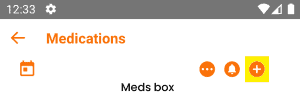
- Place your medication bottle in a device compartment and follow the steps to add a new medication schedule from the app.
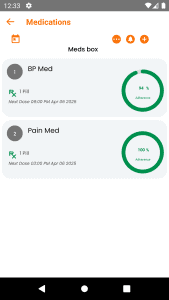
Once you add your medications, the device will display the next scheduled medication due time. Up to 6 medeication bottles can be added to a single device for easy management.
For added usability, you can use the provided number stickers to tag your medication bottles and match them with the corresponding compartment numbers.
- The spacer pads are provided to use with small medication bottles to keep them in place and avoid false alarms caused by unexpected movements for the sensors. The spacer pads can be removed for bigger medication bottles that do not need stabilization in the compartment.
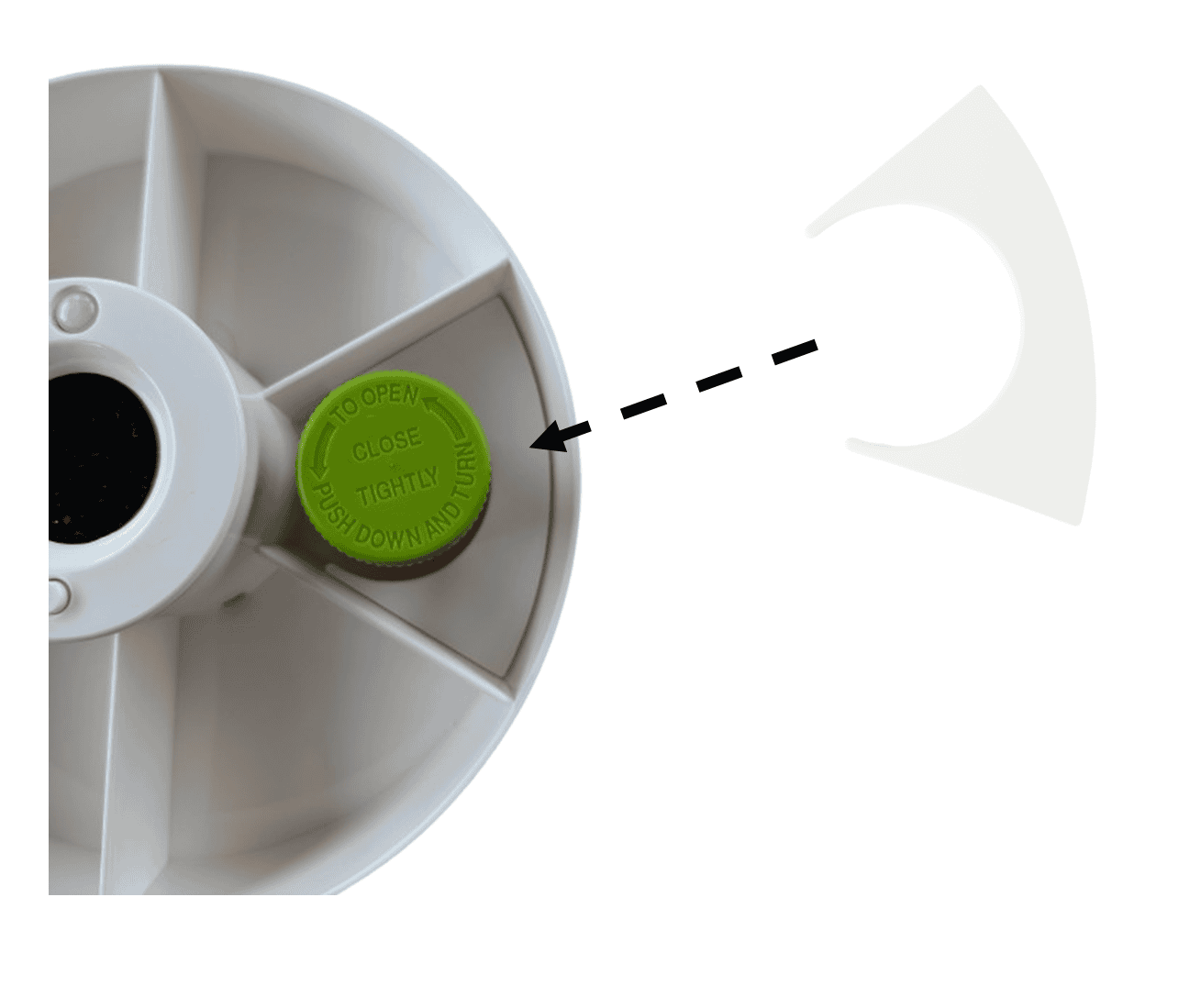
When it’s time for your dose, the device will sound an alarm and send a mobile notification to the selected individuals. Simply pick up the medication bottle, take the medication, and put it back in the compartment. This will automatically register the intake.
Once the medication is taken, the alarm will turn off, and a confirmation notification will be sent to the opted individuals. If a dose is missed, it will be recorded, and a missed medication notification will be sent.
If you accidentally pick up the wrong or unscheduled medication, the device will alert you with a wrong-medication alarm.
Track your medication adherence effortlessly through the EMTHINGS app, ensuring you stay on top of your health routine.
- For more settings and options, refer relevant articles on the support page.